 Meta Business Partner
 WhatsApp API Official
The Best SLA Management for Customer Service
Track and Hit Your SLA Targets Without the Hassle
Run automatic SLA timers, escalate tickets based on rules, set priority and assignment, and track SLA achievement through real-time reports.
- 5-minute setup
- WhatsApp support 24/7
- Indonesian local server


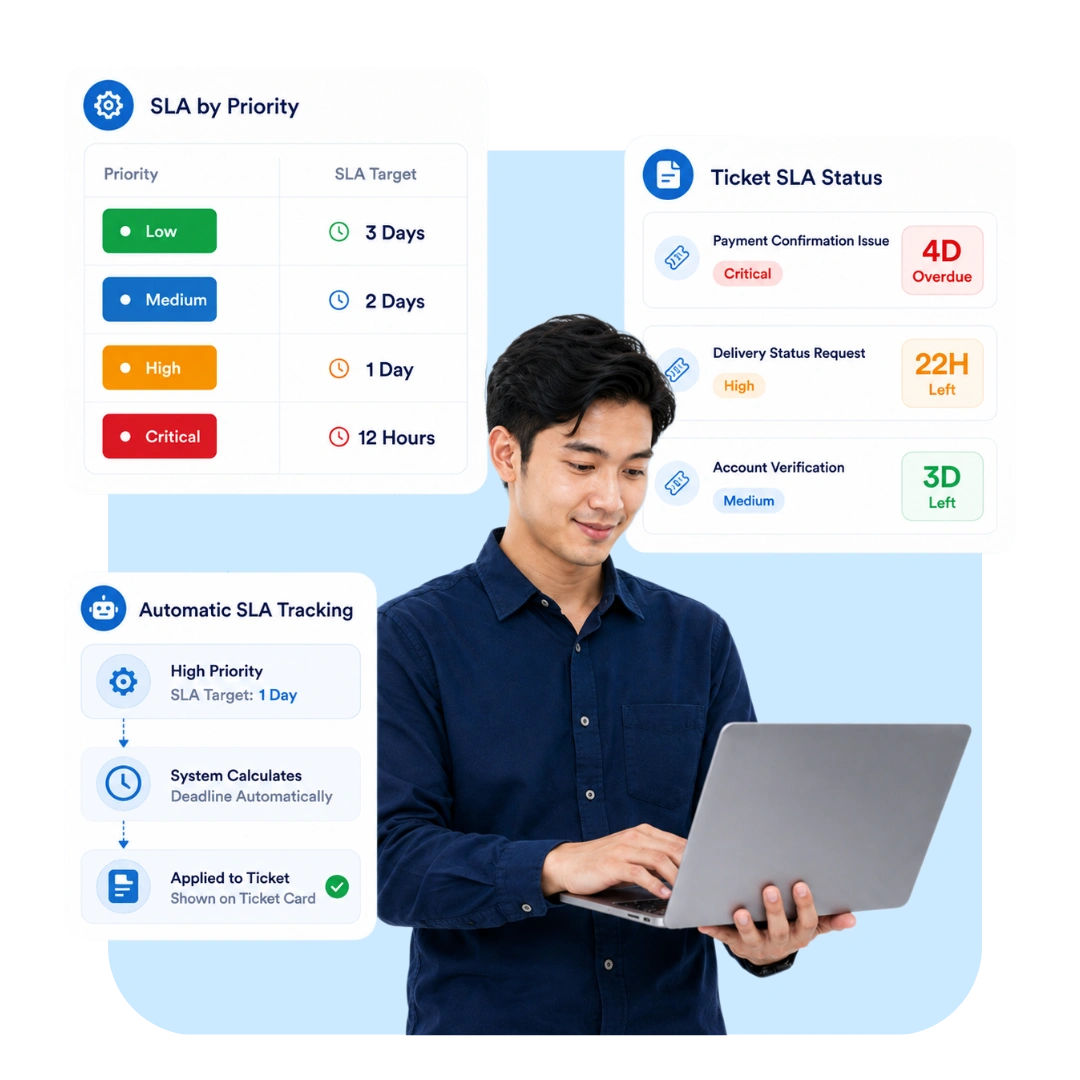


Why Do SLA Targets Keep Getting Missed?
Without an automatic reminder system, customer service teams lose momentum on meeting service time targets.
Ticket Responses Miss the Deadline
Without automatic reminders, agents often only realize a ticket has passed its response deadline after the customer complains.
Escalations Are Often Late
Tickets that should be escalated to a higher level only get handled after a long wait, since there's no automatic escalation rule.
SLA Achievement Is Hard to Measure
Without a clear report, managers struggle to know what percentage of tickets meet SLA and where the problems are.
Hit Your SLA Targets Without Manual Work
Four SLA management features that help your customer service team stay on time handling every ticket.
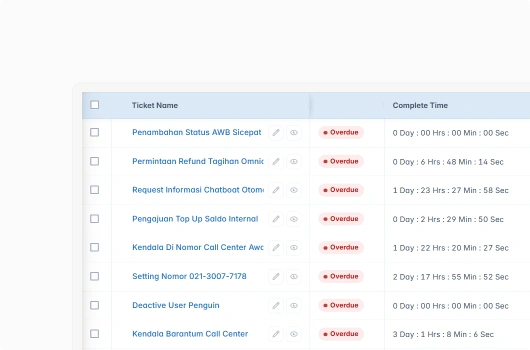
Automatic SLA Timer
Every ticket automatically gets an SLA timer based on category and priority, complete with a notification before the deadline passes.
SLA timer runs automatically on every ticket
Warning notification before the SLA deadline
Timer adjusted to the ticket's category and priority
Status indicator: on time, nearing deadline, or late
Rule-Based Escalation
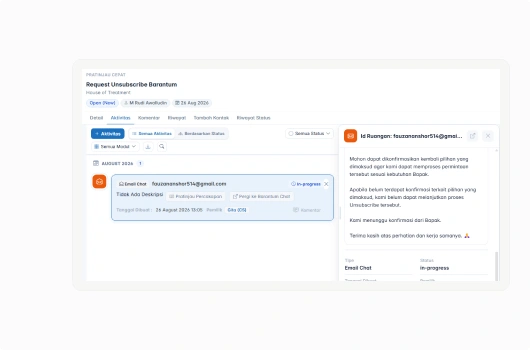
Set up automatic escalation rules to fit your needs, so a ticket at risk of missing its SLA gets forwarded to the right person right away.
Escalation rules customizable per ticket category
Automatic escalation to a supervisor or relevant team
Real-time notification when a ticket is escalated
Escalation history saved for team evaluation
Ticket Priority and Assignment
Set a ticket's priority and route it to the right agent automatically, so important tickets always get handled first.
Automatic or manual ticket priority setting
Ticket assignment to agents based on workload
High-priority tickets clearly flagged on the dashboard
Even ticket distribution across the whole team
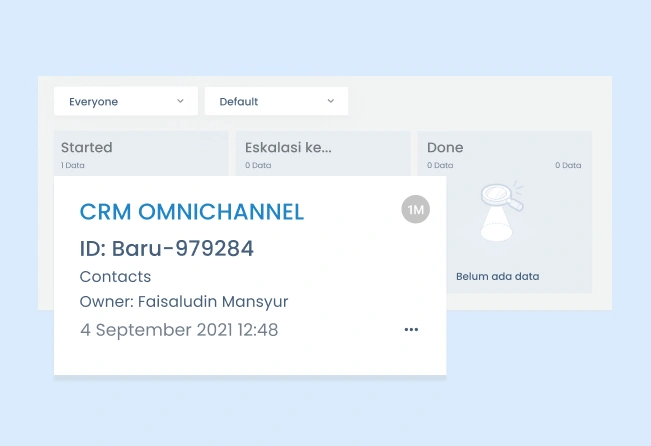
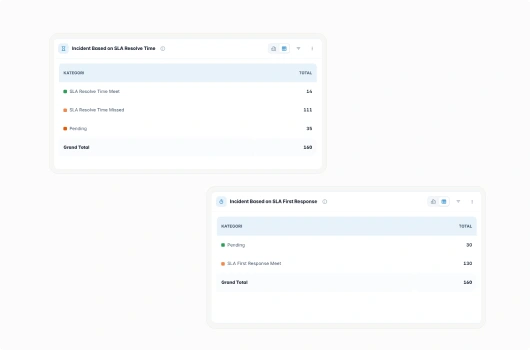
SLA Achievement Reports
Track SLA achievement percentage, average response time, and team performance through reports you can access anytime.
Real-time SLA achievement reports
Average response and resolution time analysis
Performance comparison across agents and teams
Export reports for periodic evaluation
SLA Management That Protects Service Quality
Businesses use Barantum to make sure every ticket is handled within its agreed service time.
Automatic Timers
SLA timers run automatically on every ticket, with no need to set them up manually one by one.
Timely Escalation
Tickets at risk of running late get escalated automatically based on rules you've already set.
Transparent Reporting
SLA achievement and team performance are clearly visible anytime through the dashboard.
Local Support, 24/7
Barantum's support team is ready to help set up SLA rules to fit your business needs.
SLA Management Pricing for Your Business
Try every plan for free. Upgrade anytime, no complicated contracts.
Standard
For teams starting to apply structured SLAs for customer service.
- Unlimited automatic SLA timers per ticket
- Centralized customer database
- Mobile CRM app (iOS & Android)
- Basic SLA achievement report
- WhatsApp Business API integration
Professional
For teams that need automatic escalation and complete SLA achievement reports.
- Everything in Standard, plus:
- Automatic escalation based on custom rules
- SLA performance report per agent & team
- Custom reports & advanced analytics
- API integration with other systems
Enterprise
For enterprises with custom workflow and integration needs.
- Everything in Professional, plus:
- Custom workflow & approval
- Dedicated account manager
- Dedicated SLA & onboarding
Trusted by 1000+ Businesses in Indonesia
How Barantum helps businesses to increase profits, time efficiency, and customer satisfaction


50%
Improved Customer Response
Barantum Omnichannel increases the productivity of the Oasis team in responding to customer inquiries from many channels.

Andri Dwi Yulianto
Customer Service Assistant Manager
PT Oasis Waters International


85%
Improved Call Center Performance
With the open & close ticket system, we know the percentage of cases handled to ensure maximum service.

Dian Melinda Arifin
Founder
PT Jackal Holidays


85%
Customer Service Improvement
Barantum helps Rokue boost efficiency by 85% by preventing WhatsApp messages from piling up or being missed.

Inne Rettiani
Sales Marketing Manager
Rokue
Frequently Asked Questions About Barantum SLA Management
SLA management is a feature for setting, tracking, and reporting on service time target (SLA) achievement for every ticket, complete with automatic timers and rule-based escalation.
Every incoming ticket automatically gets a timer based on its category and priority, and the system sends a notification before the SLA deadline passes.
Yes. Escalation rules can be customized per ticket category, including where a ticket gets forwarded when it's at risk of missing its SLA.
Ticket priority can be set automatically based on defined rules or adjusted manually by an agent, and the ticket is then assigned to the right agent.
Yes. Reports show SLA achievement percentage, average response time, and team performance in real time.
Yes. Reports include a performance comparison across agents and teams to support periodic evaluation.
No. SLA management is already included in every Barantum subscription plan at no additional cost.
Ready to Hit Your SLA Targets Without Manual Work?
Automatic timers, rule-based escalation, and real-time reports. Try it free, no credit card required.
No credit card, quick setup, local Indonesian support
